
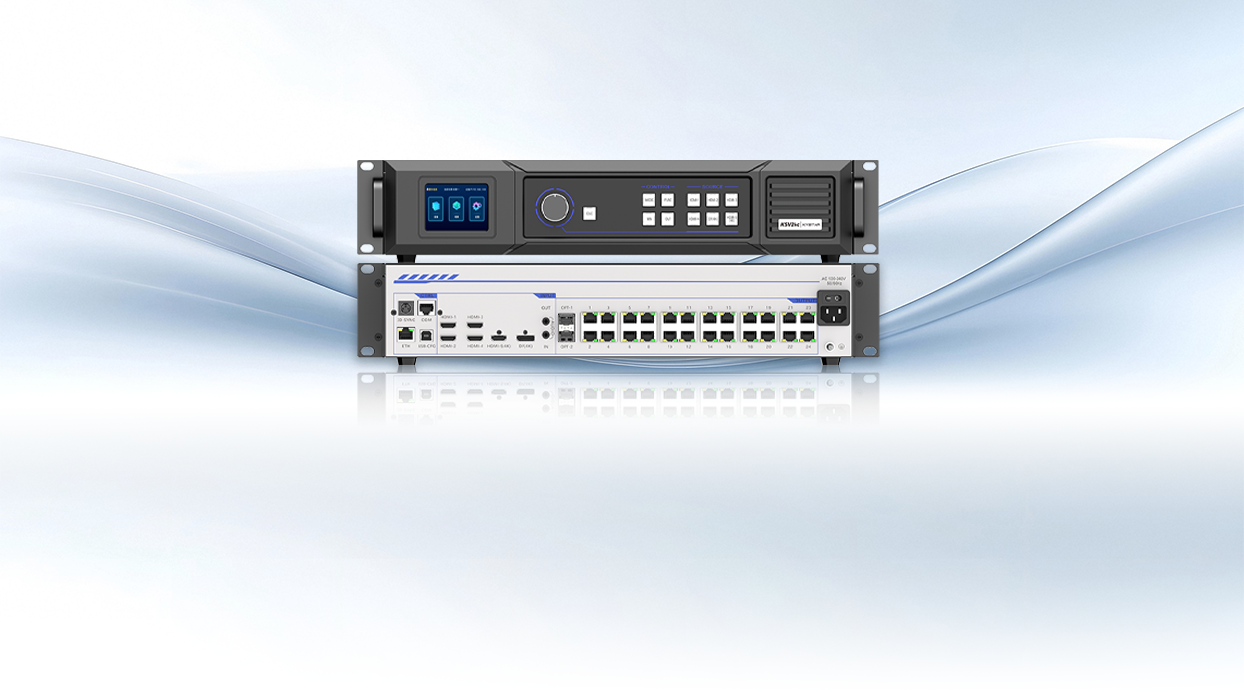
First look — why controllers change everything
Comparative thinking from the start. Some systems shine because of hardware choices, not just content. A robust LED video controller will reshape colour fidelity, latency, and synchronization across a façade or arena screen. Think of two installations: one smooth, one stuttering. The difference often sits inside the controller and the sending card architecture — small box, big impact. C’est simple: pick badly and the whole project shows it.

Core differences explained
Controllers fall into families. There are dedicated sending card systems, and there are integrated, all-in-one controllers. Pixel pitch governs perceived sharpness. Refresh rate and grayscale depth drive motion handling and imaging smoothness. A sending card approach gives you modular output ports and granular calibration. All-in-one units simplify setup and often add media-server features. Choose by constraint: service access, cabinet topology, and whether you need multi-zone control or a single canvas.
Trade-offs that actually matter
Power versus simplicity. Latency versus flexibility. Cost versus future-proofing. A high-refresh controller reduces flicker on camera; essential for broadcast. Higher grayscale improves gradients for product visuals. But those gains demand better signal distribution and sometimes extra sending cards. Expect complexity. Expect configuration time. — Teams who underestimate synchronization headaches end up troubleshooting on-site under lights. Plan for spare modules and test patterns in controlled conditions before the client walk-in.
Common mistakes and sensible alternatives
Installers often overspec or underspec. Overspec: buying a top-tier video controller when a robust media player and proper mapping would do. Underspec: relying on generic controllers that cannot support the required refresh or pixel mapping. Alternatives: distributed media servers, networked playback with redundancy, or hybrid setups where a central LED display screen controller handles timing while edge devices handle content buffering. Also avoid skipping firmware updates — many stability fixes arrive there. Practical: list the actual inputs you need, test pixel mapping, and verify HDR handling if the content demands high dynamic range.
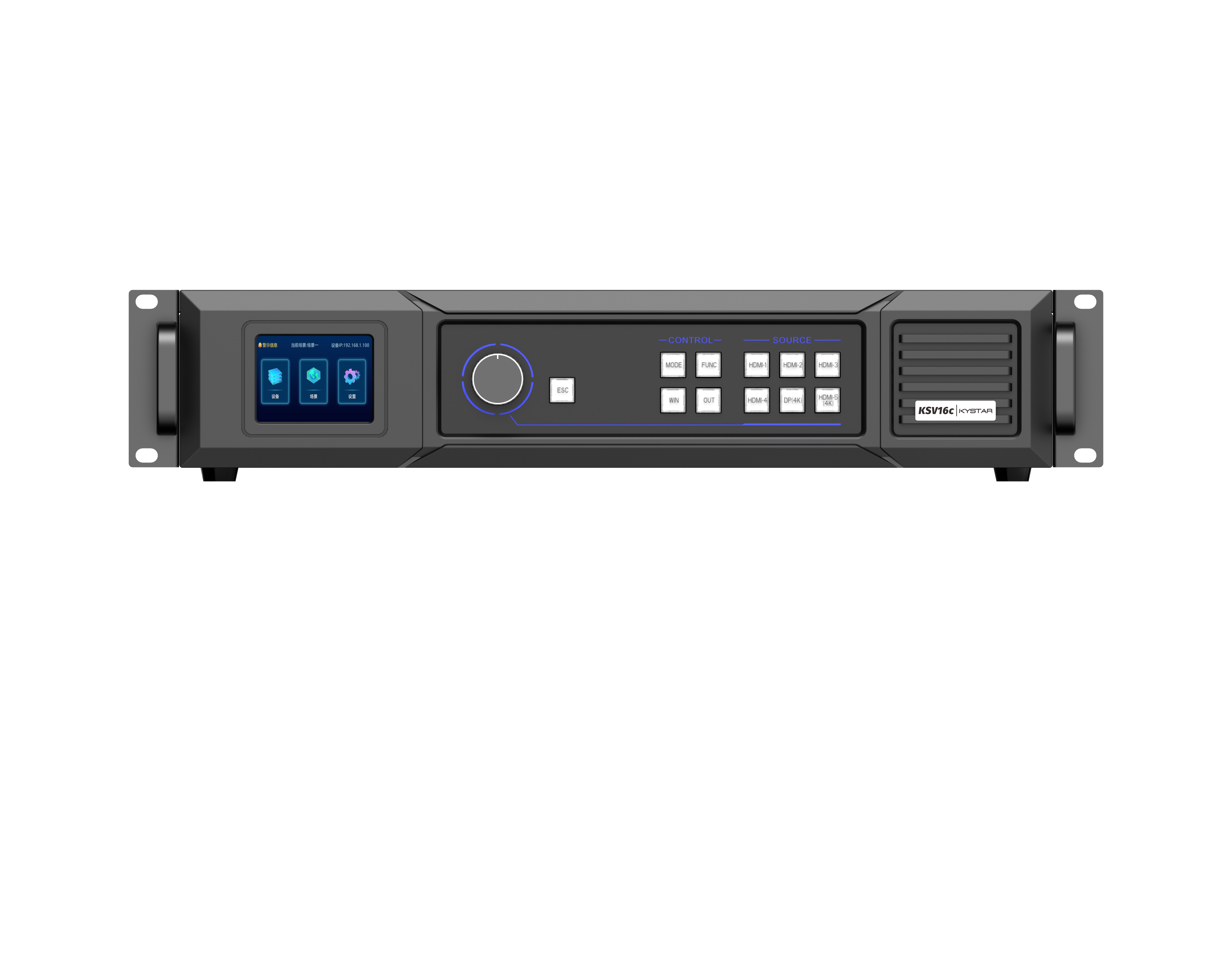
Real-world anchor: Times Square and venue installs
Look at Times Square displays. Big, bright, and synchronized across building faces. Those projects show why refresh rate and distributed sending card strategies are not theoretical. In stadium installs for events like major finals, broadcast cameras expose any controller weakness. The lesson is visible: when hardware matches workflow, the image is clean; when it does not, problems are obvious on live feed. This is not conjecture — it’s field experience from large-scale digital façades and live-sport productions.
Three critical metrics to evaluate
1) Synchronization precision: measure frame alignment across cabinets in milliseconds. Good systems keep inter-cabinet skew under a single frame at your target refresh rate. 2) Effective grayscale and bit depth: test with calibrated ramps. Look for smooth gradients up to the grayscale the content requires — banding is a fail. 3) Input/processing latency: quantify end-to-end delay from source to panel. For interactive or broadcast applications, low latency is non-negotiable. These are your golden rules. Use them during lab tests and on-site acceptance.
Wrap-up and next step
Compare controllers by these metrics, and you remove guesswork. Choose hardware that fits the installation environment and the content’s needs. Test with real patterns. Validate synchronization and refresh with cameras. The right controller is not the fanciest; it is the one that meets measurable requirements and makes maintenance predictable. Kystar provides hardware options and documentation that map directly to these criteria. Precision matters.